
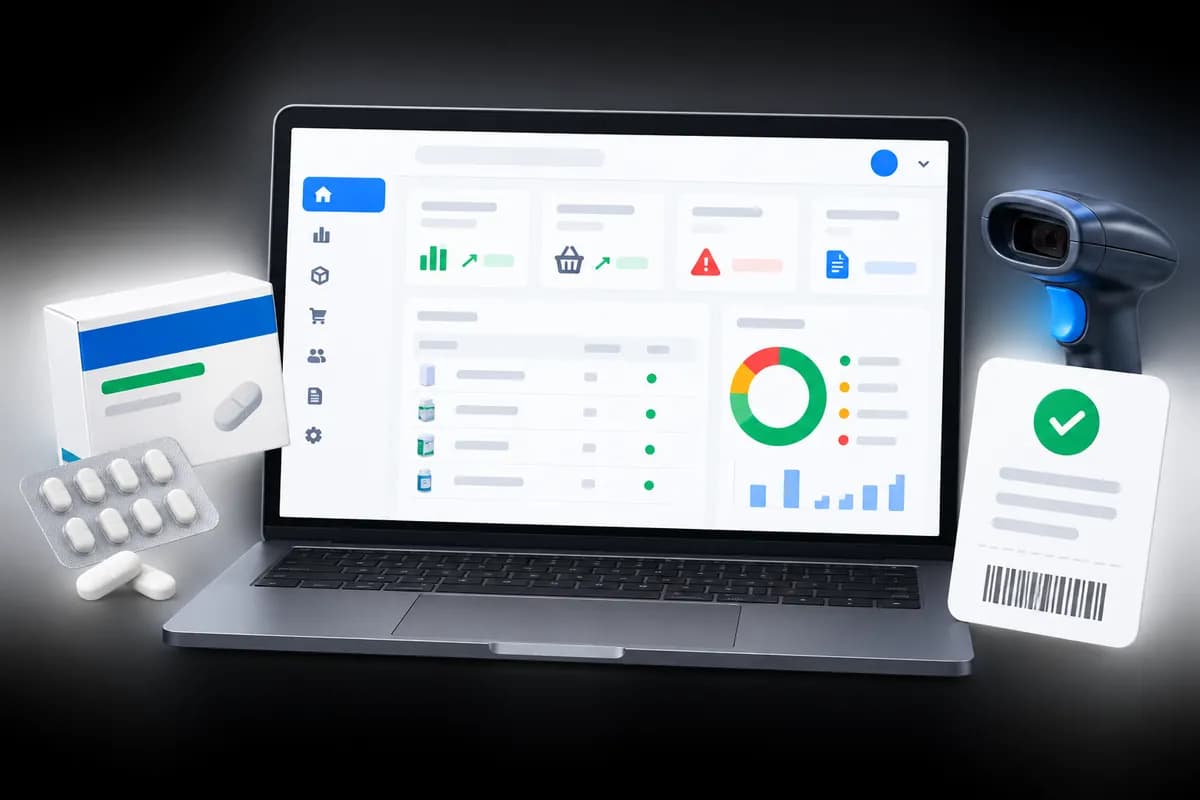
1What actually goes wrong in a switch
It is rarely the software. It is a messy product list loaded as it was, opening stock that was never counted, and staff who learn the new till for the first time in the middle of a busy Saturday. All three can be handled in advance.
Plan for a week, not a weekend, and nobody has to stop selling.
In short: Clean the list, count the stock, practise first. The switch itself is the easy part.
2Step 1: clean your product list
- Merge duplicates and settle one name for each product, with strength and pack size.
- Add barcodes where packs have them, so scanning works from day one.
- Group products into categories you will actually use in reports.
- Remove lines you no longer stock.
Put the result in a spreadsheet with one row per product. If the software can import a spreadsheet, this is the file it will read, so time spent here is not wasted.
3Step 2: count your opening stock
Do not copy the quantities from the old records; count the shelves. Record each batch with its expiry date and what you paid for it. This is the same exercise as a stock take, and it is the one chance to start the new system with figures you trust. Counting by batch also gives you your first short-dated list for free.
4Step 3: set up people and settings
Create a login for each person who will use the till, decide who may do what, and set your pharmacy name, receipt details and VAT handling. Connect the receipt printer and barcode scanner and check each works before the first real sale.
5Step 4: run both for a few days
Keep the old notebook or sheet going while the new till takes real sales. At the end of each day, compare the totals. A mismatch in the first days is a setup problem you want to find while the old records still exist, such as a wrong price or a product loaded twice.
Let your slowest staff member practise on quiet afternoons. The till is the part that has to be fast, so it is the part to rehearse.
6Step 5: cut over and keep the old records
When two or three days match, stop writing in the old one. Choose a weekday morning, not a weekend. Keep the notebook or spreadsheet somewhere safe for the tax year in case you need to look something up, and set up automatic backups of the new system on day one.
7How Optima does this
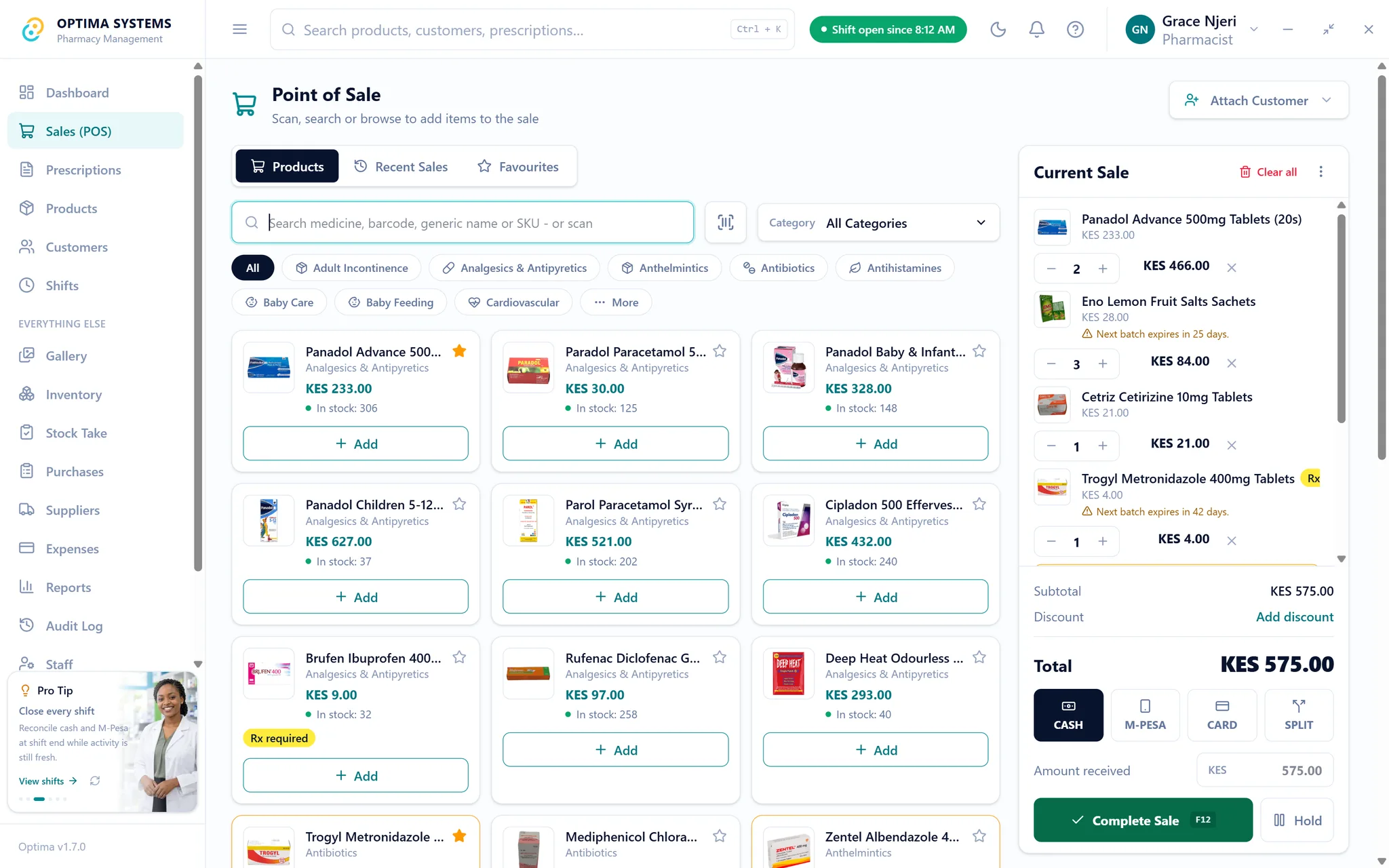
This section is about our own product. Optima has a guided first-run setup, a spreadsheet import for your product list, batch and expiry tracking for opening stock, and employee logins with roles. Backups are automatic and verified. The seven-day trial is the natural place to do steps 1 to 4 on your real data before you pay.
Start the trial. If you are still choosing, the buyer’s guide lists what to ask any vendor, and if you work offline often, read the outage guide too.
Try Optima at your own counter
The full application with your own stock and your own till, free for seven days. No card, nothing to cancel.
Read next

How to do a stock take in a pharmacy, and how often
A stock take that takes a week gets skipped. A routine that counts the fast movers often and everything else on a rota keeps your records honest without closing the shop.
Read it
What to ask before you buy pharmacy software in Kenya
Twelve questions that separate pharmacy software that will still suit you in five years from software that demonstrates well. Written for owners comparing systems, including where Optima does not fit.
Read it