
1Two different problems
People say “the system is down” for two situations that need different answers. When the internet goes, a system that lives in the cloud stops, while one that keeps its records on your own computer carries on. When the power goes, everything stops unless something is keeping the computer, the screen and the router alive.
Fix them separately. The first is a question to ask when you choose software. The second is a small piece of hardware.
2What to ask the software vendor
- Where are my sales and stock stored while I work: on this computer or elsewhere?
- Can I open the till, sell and print a receipt with no internet at all?
- Which features need internet, such as updates, and what happens to them offline?
- If the connection comes back mid-day, does anything need to be re-entered?
Be wary of an answer that begins with “it will usually work”. You want to hear exactly what continues and what waits.
In short: Ask whether the till works with the internet unplugged, and make them be specific.
3Keeping the computer alive
Most outages last minutes. A small UPS that keeps the computer, monitor and router on for ten to twenty minutes lets you finish the customer in front of you and shut down cleanly rather than losing the sale mid-way. Power the receipt printer from it too if you can, but not a laser printer, which draws too much.
A laptop carries its own battery, which is one reason some pharmacies use one as the main till. Longer outages need a bigger battery or generator, and that is a cost decision for you, not software.
4A plan for the counter
Put a short plan next to the till so anyone on shift can follow it:
- If the computer goes off, note each sale on paper with the product, quantity and payment.
- Take payments the usual way; for M-Pesa, keep the confirmation message.
- When power returns, enter the paper sales before closing the shift.
- Never dispense from stock you cannot see because the screen is down.
5Backups still matter
Working offline makes your own computer the only copy of your records, which is fine until the disk fails. Keep an automatic backup going to a second drive or a memory stick kept off the premises, and check now and then that a backup can actually be restored.
6How Optima does this
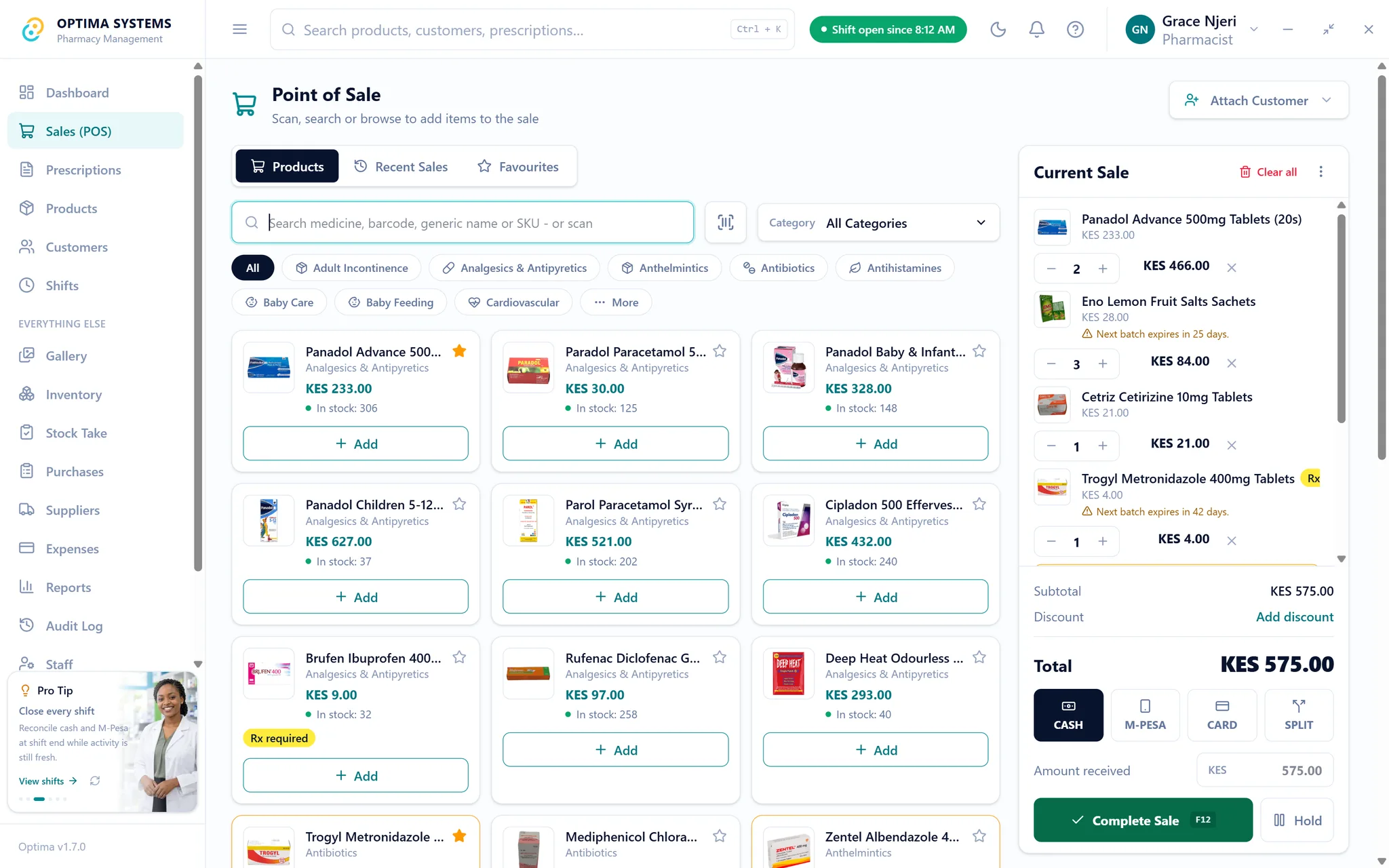
This section is about our own product. Optima Desktop keeps its database on the pharmacy’s own computer, so selling, stock, receipts and shift work continue with no internet. Backups are verified and can be pointed at another location, and a restore is staged rather than overwriting your records in place. Internet is only needed for things like updates and activating a licence.
Optima Online is different by design: it runs in a browser and needs a connection. If your connection is unreliable, Desktop is the better fit; the comparison sets the two side by side. You can try Desktop free for seven days.
Try Optima at your own counter
The full application with your own stock and your own till, free for seven days. No card, nothing to cancel.
Read next
What to ask before you buy pharmacy software in Kenya
Twelve questions that separate pharmacy software that will still suit you in five years from software that demonstrates well. Written for owners comparing systems, including where Optima does not fit.
Read it
Switching from paper or Excel to pharmacy software without losing a day of sales
A practical order of work for moving a pharmacy off a notebook or a spreadsheet: what to prepare, how to load your products and stock, and how to run both side by side before you cut over.
Read it