
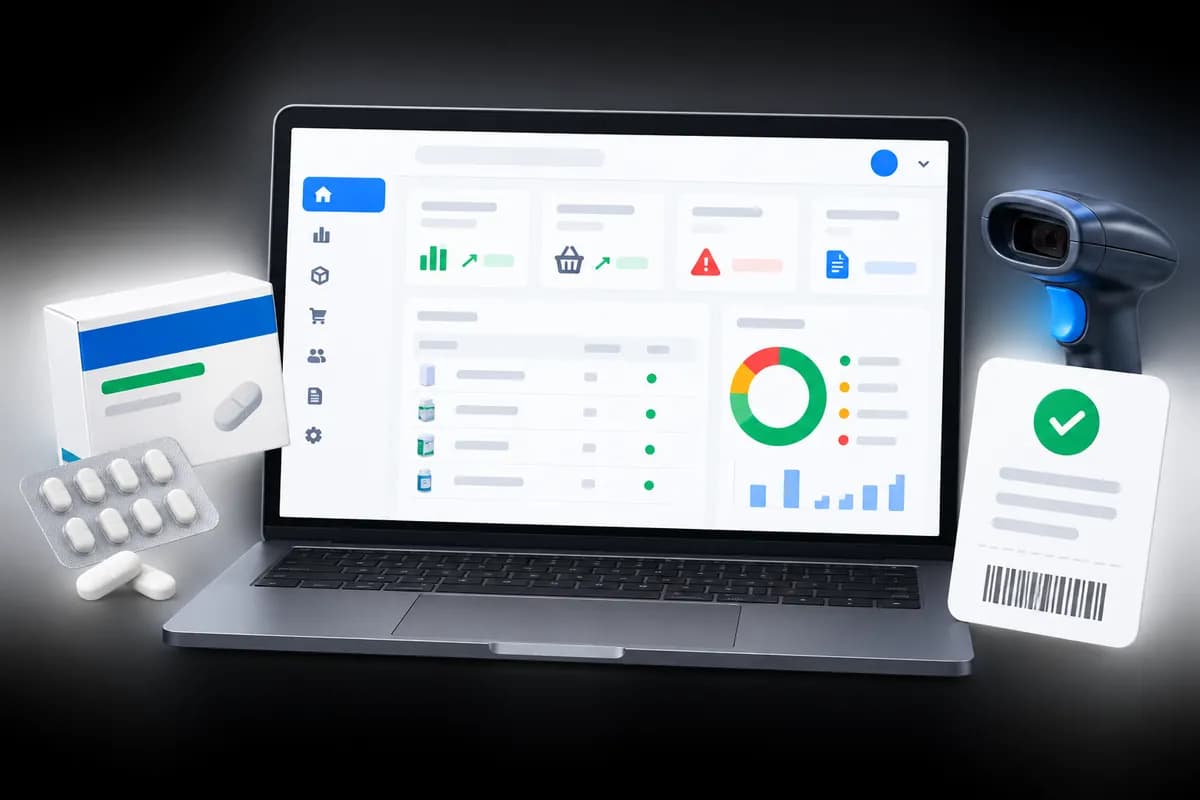
1Three methods, three checks
Cash, M-Pesa and card fail in different ways. Cash goes missing or is given as the wrong change. M-Pesa payments are recorded against the wrong sale or never confirmed. Card takings differ from the machine because of a declined or reversed payment.
Add them into one total and a shortage in cash hides behind a surplus in M-Pesa. Check each one against its own source.
In short: Check cash, M-Pesa and card separately, each against its own source.
2Cash: start from the float
The drawer should hold what you opened with plus the cash you took, minus any cash paid out. Expected cash is therefore the opening float plus cash sales, not the sales total for the day. Count the drawer, compare it with that figure, and write the difference down whether it is a shilling or a thousand.
Count in the same way every time: notes by denomination, then coins. Counting in the same order makes mistakes easier to spot.
3M-Pesa: match messages to sales
Take the total from your till or statement for the period and compare it with the M-Pesa sales recorded. If a payment was received and not recorded, or recorded against the wrong sale, the totals will disagree. Customers sometimes send the wrong amount or reverse a payment, so keep the transaction code with the sale.
Where the system records an M-Pesa payment you typed in rather than one it confirmed with Safaricom, a typing slip is the usual cause of a difference.
4Card: use the machine's own total
Print the settlement or batch total from the card machine at close and compare it with the card sales you recorded. A difference usually means a sale recorded as card that was paid another way, or the reverse.
5When the numbers do not agree
- Recount, then recheck the arithmetic.
- Look for a payment recorded under the wrong method.
- Look for voids and refunds that were paid out in cash.
- Check whether a sale was held and never completed.
- Only then consider that someone has made a mistake with change, or worse.
One small difference is not a story. The same difference on the same shift, week after week, is. That is why closing a shift per person or per period matters: it lets you see the pattern.
6How Optima does this
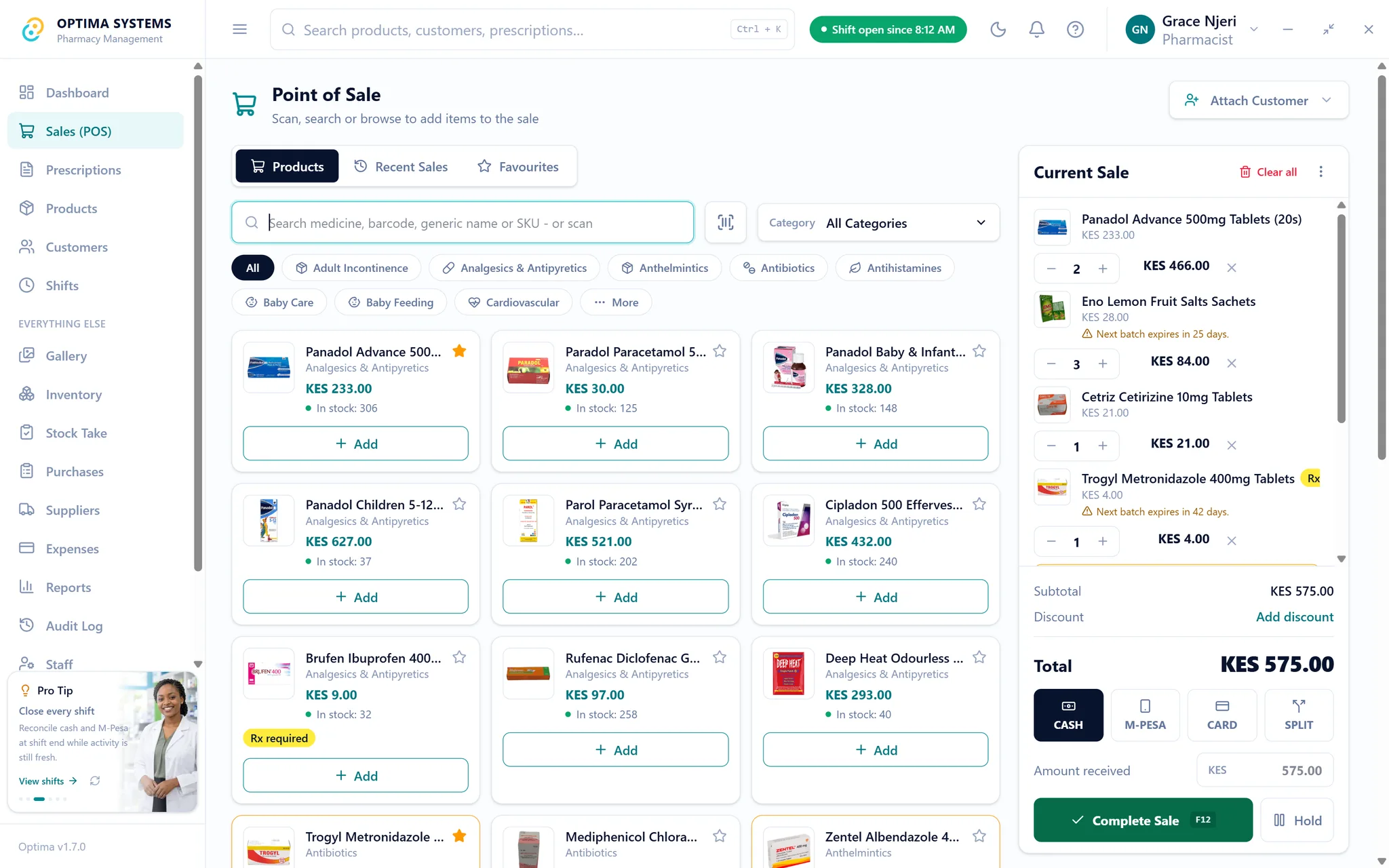
This section is about our own product. Opening a shift records the cash float, and closing it works out expected cash against what you counted. You can also enter M-Pesa and card totals for comparison with what was sold by each method, and a shift left open for a long time is flagged. Optima records M-Pesa payments you enter; automatic M-Pesa confirmation is not part of Desktop.
Try it free for seven days, or read the stock take guide for the other half of keeping your records honest.
Try Optima at your own counter
The full application with your own stock and your own till, free for seven days. No card, nothing to cancel.
Read next

How to do a stock take in a pharmacy, and how often
A stock take that takes a week gets skipped. A routine that counts the fast movers often and everything else on a rota keeps your records honest without closing the shop.
Read it
What to ask before you buy pharmacy software in Kenya
Twelve questions that separate pharmacy software that will still suit you in five years from software that demonstrates well. Written for owners comparing systems, including where Optima does not fit.
Read it