
1Running out and overstocking both cost money
Run out of a fast mover and the customer buys it, and the rest of their basket, at the next pharmacy. Order too much and your cash sits on a shelf, taking space and moving toward its expiry date.
A reorder level is the line between the two: the count at which you order again, set so that new stock arrives just before the shelf empties.
In short: A reorder level is the stock count that tells you to order before you run out.
2A simple way to set it
For each product you care about, you need two numbers:
- Daily sales: how many you sell on an average day, taken from the last month or two of sales rather than a guess.
- Lead time: how many days pass between ordering and having it on the shelf, from the supplier you actually use.
Multiply them: that is what you will sell while you wait. Add a safety buffer for a busy week or a late delivery, and that total is the reorder level. If you sell 6 a day and the supplier takes 3 days, you will sell 18 while waiting; with a buffer of 6, you reorder when the count reaches 24.
3How much buffer
Make the buffer bigger for things that sell every day, that customers will not accept a substitute for, or that come from an unreliable supplier. Make it smaller or zero for expensive slow movers, where it is cheaper to wait a day than to hold the pack.
Seasonal products change the picture. Cold and flu lines, and some antimalarials, sell differently across the year, so a level set in the quiet months will be too low in the busy ones.
4Lead time is per supplier
A wholesaler across town that delivers the same day and a distributor that takes four days give very different levels for the same product. If you buy a line from two suppliers, base the level on the slower one you rely on, and note which supplier is your fast fallback for emergencies.
5Review, do not set and forget
Check the levels for your top products every month and any time a supplier changes how fast they deliver. A level that was right at a hundred customers a day is wrong at a hundred and fifty. Items that never reach their level may be overstocked; items that reach zero before you order need a higher one.
6How Optima does this
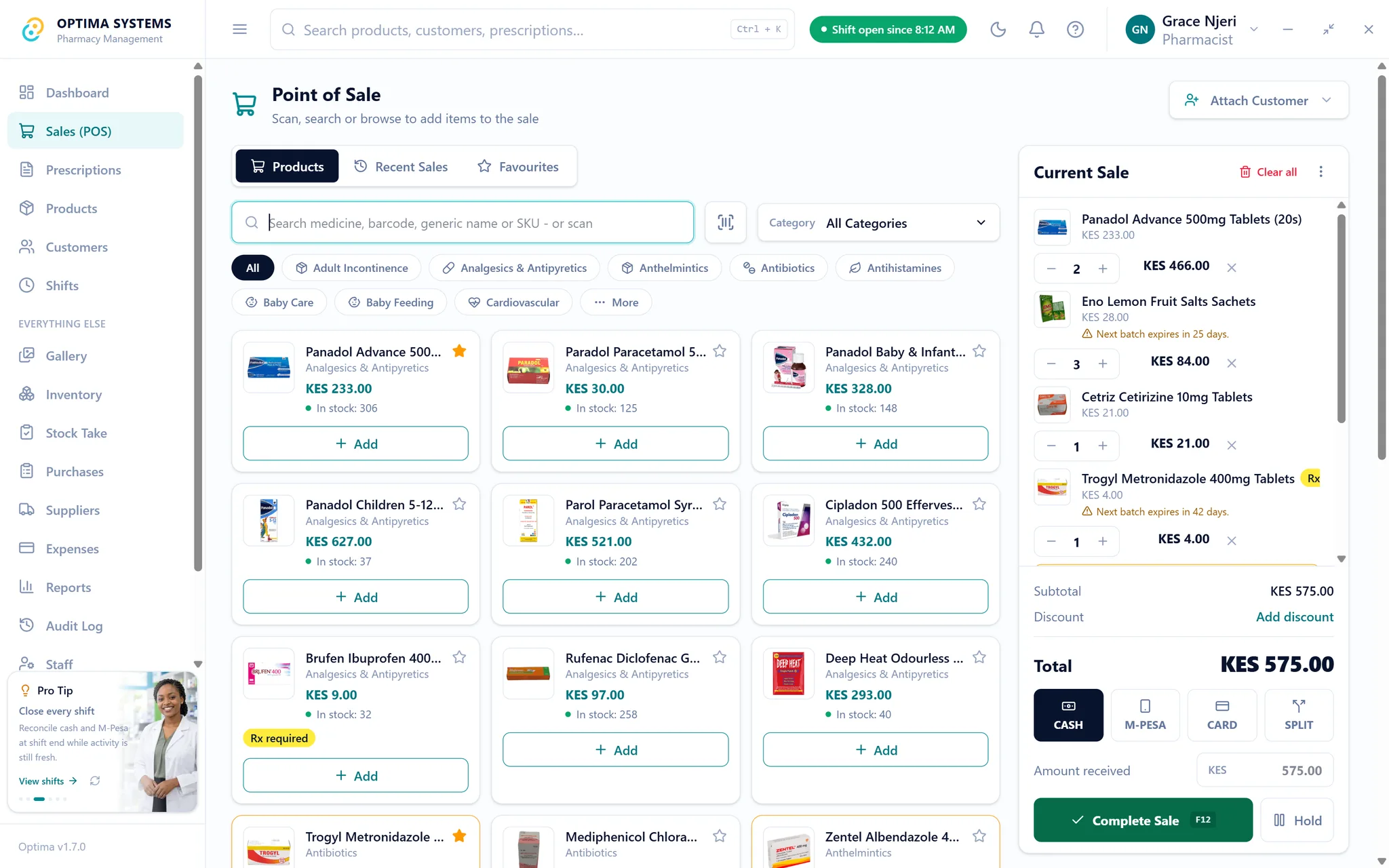
This section is about our own product. In Optima you can set a safety stock level per product and a default delivery time per supplier. Low-stock alerts and reorder recommendations are built from your own sales and those settings, and the numbers appear in purchasing so an order is a few clicks rather than a spreadsheet.
Try it on your own stock for seven days, or read the stock take guide to make sure the counts the levels depend on are right.
Try Optima at your own counter
The full application with your own stock and your own till, free for seven days. No card, nothing to cancel.
Read next

How to do a stock take in a pharmacy, and how often
A stock take that takes a week gets skipped. A routine that counts the fast movers often and everything else on a rota keeps your records honest without closing the shop.
Read itHow pharmacies lose money to expiry, and how FEFO stops it
Expired stock is a full-cost loss, not a lost margin, which is why it hurts more than it looks. A practical routine for batch tracking, first-expiry-first-out dispensing and the monthly short-dated check.
Read it